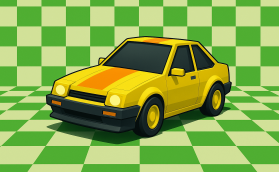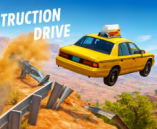
Destruction Drive


 BMW M8
 Chiron City Driver
 GunRush 3D
 GTR Drift Fever
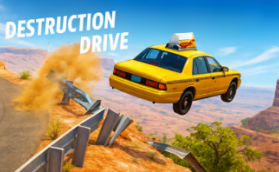 Destruction Drive
 Land Cruiser Offroad Driver
 Snake 2048
 Car Parking RP 2025
 Drive Zone
 Top Gear
 Ramp Xtreme
 Turbo Stunt Racing
 Mad Pursuit
 Obby Roads
 Formula Car Racing
 Moto Bike Highway Racing
 Real Motor Race Master
 Speedy Runner
About: Destruction Drive
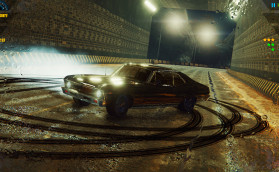
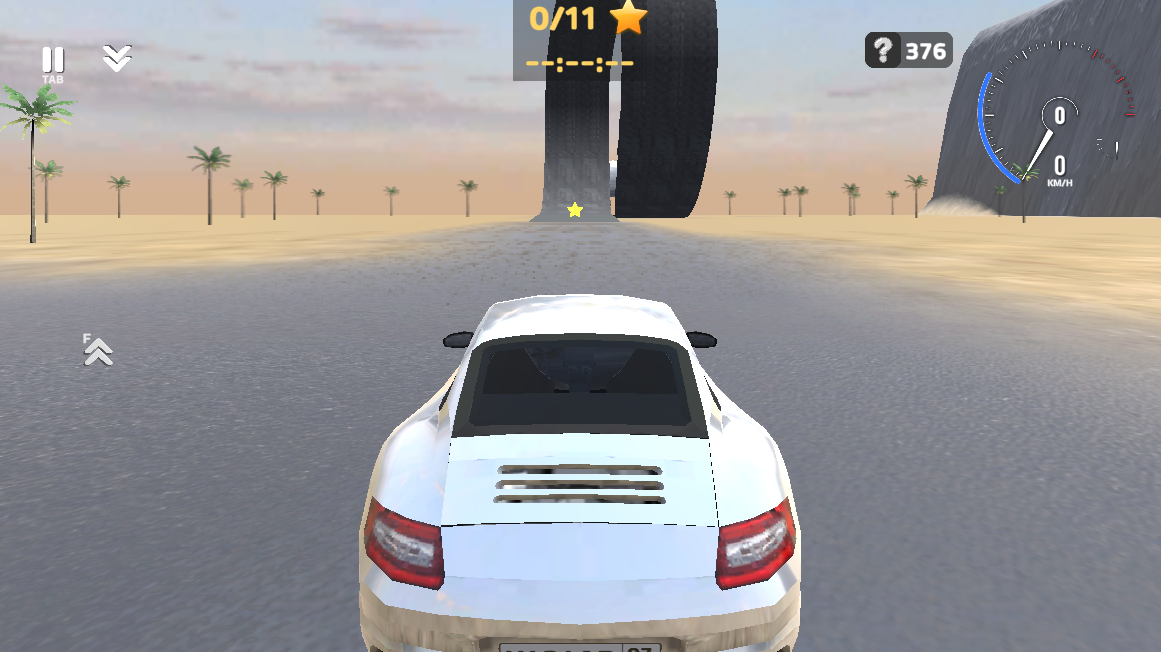
Destruction Drive is an open-world 3D driving simulator focused entirely on realistic destruction physics. Instead of racing to a finish line, players are encouraged to smash their vehicles to witness real-time deformation, flying parts, and twisted metal. Your primary mission is to pilot your fully customizable car across a vast city to hunt down 11 hidden stars in the shortest time possible, all while capturing your most epic crashes using the built-in replay camera system.
Gameplay
The gameplay of Destruction Drive is a perfect blend of free-roaming exploration and vehicle durability testing.
Realistic Destruction Mechanics
The game places a heavy emphasis on visual experience. Every time you slam into a wall, a lamp post, or hit rough terrain, your car reacts in real-time.
Soft-body Physics: Watch as body panels deform, glass shatters, and mechanical parts are exposed.
Cinematic Chaos: Wheels can detach and roll away, and the chassis twists violently upon impact.
Slow Motion: Use the slow-motion feature to appreciate the details of every wreck, turning accidents into action movie scenes.
The Star Collection Challenge
While the game allows for total freedom, it challenges your driving skills with a specific objective. You must roam the virtual city to locate and collect 11 stars scattered in difficult-to-reach places. Timing how long it takes to complete this task is a great way to measure your mastery of the vehicle.
Customization and Garage
The interface offers intuitive tools located at the top-left of the screen:
Paint: Freely repaint your car with your favorite colors before taking it out to be destroyed.
Unlock Cars: Use the car icon to access a variety of new vehicles with different stats and structures.
Replay System: Click the camera icon to watch a replay of your driving journey, perfect for recording your most spectacular stunts.
How to Play and Controls
To get the most out of Destruction Drive, mastering the controls is essential. Below is the accurate control scheme for both PC and Mobile players.
PC Controls
Using a keyboard allows for precise drifting and calculated collisions:
W, A, S, D: Drive / Steer.
Spacebar: Handbrake (Essential for drifting or emergency stops).
Shift: Nitro / Boost (Accelerate rapidly for harder impacts).
C: Change Camera View.
R: Flip Car (Use this if your car gets stuck upside down).
K: Repair Car (Instantly fix all damage).
N: Spawn New Car.
B: Slow Motion.
Tab: Pause Menu.
Mobile Controls
The game is optimized for touchscreens with on-screen buttons:
Use the Arrow buttons on the left to steer.
Use the Pedals and Action buttons on the right to accelerate, brake, and activate features like nitro or repair.
Similar Games
If you enjoy the adrenaline and destruction of Destruction Drive, you will likely enjoy these similar driving titles:
Land Cruiser Offroad Driver: An open-world experience focused on off-road skills, drifting, and exploring with a dog companion.
Burnout Drift: A game dedicated to drifting mechanics where you burn tires to earn points.
Car Crash Test: A title that dives even deeper into crash physics and demolition derby style gameplay.
Madalin Stunt Cars 2: Famous for its stunning graphics, wide selection of supercars, and insane stunt tracks.